Start with the ELDEN RING category

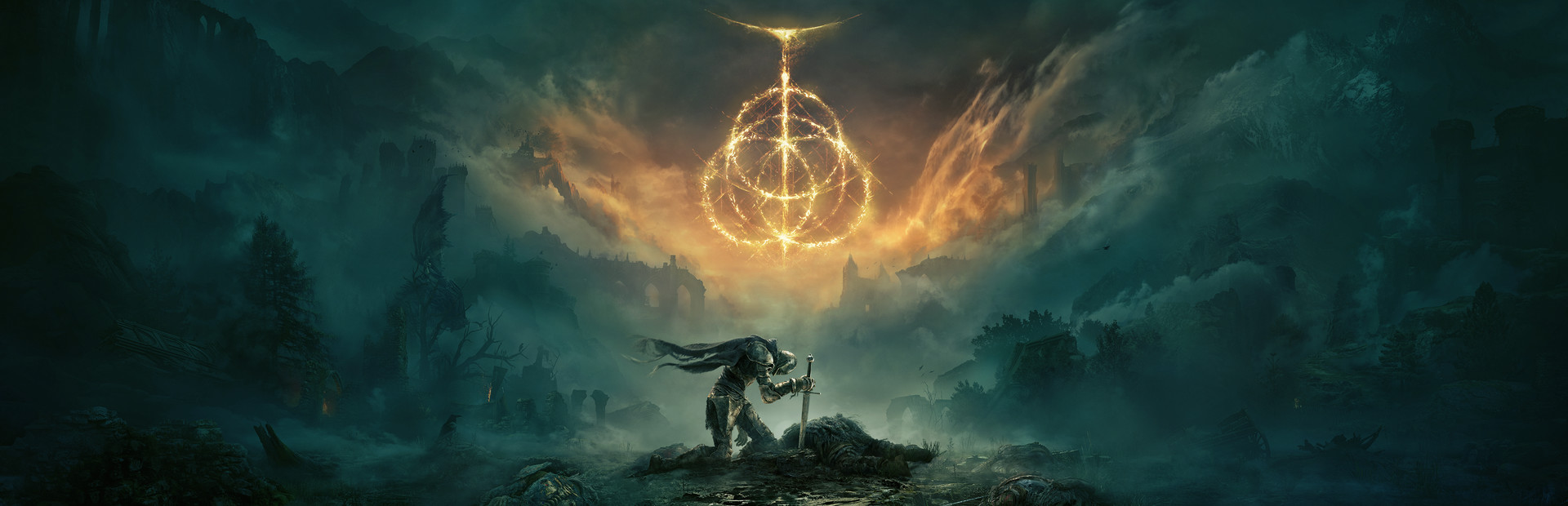
Begin in IVWORK’s gaming directory and select the ELDEN RING category, identified in the supplied snapshot by Steam app ID 1245620. Category results can mix different kinds of coverage, so read the stream title before clicking. A title may describe DLC progression, modding, a first playthrough, a speedrun, or a multiplayer challenge.
In the IVWORK snapshot taken at 2026-10-23 00:59:18 UTC, ELDEN RING had 7 listed channels and 25,738 viewers. These are category-level concurrent-viewer figures from one moment, not follower totals, historical averages, or proof that every listed channel offers the same experience. The broader snapshot contained 890 gaming channels and 396,366 viewers, but that total does not specifically measure ELDEN RING.
Use the stream title to narrow the format

The clearest way to filter results without assuming anything is to compare the wording used by creators:
- DLC marathon: Jynxzi on Twitch was labeled “Playing Elden Ring DLC Until I Beat It” and “Day 3” at the snapshot. It had 24,210 concurrent viewers, updated at 2026-10-23 00:59:18 UTC.
- Modding: hivise on Twitch included “Jynxzi’s Elden Ring Marathon” and “Modding” in the title, with 580 concurrent viewers at the same update time.
- First playthrough: Vswed on Twitch was labeled “Convergence First Play (day 9),” with 268 concurrent viewers at the snapshot.
- Speedrun: NuclearPastaTom on Twitch listed “Nagakiba Any% Speedrun” and also mentioned later Sekiro bingo practice, with 154 concurrent viewers.
- Co-op or marathon viewing: FemiMarss on Twitch used “Marathon Elden Ring Jour 2” in the title and had 478 concurrent viewers.
These are examples from the supplied snapshot, not a complete ranking of ELDEN RING channels. Their viewer counts describe concurrent audiences at the stated update times; they do not measure stream quality, channel popularity over time, or follower count.
Check language and platform labels
Language matters for audience fit. The verified sample included English wording from Jynxzi, hivise, Vswed, and NuclearPastaTom, while FemiMarss’s Twitch title was primarily in French. That makes FemiMarss a useful example for viewers who want French-language marathon content, rather than a general recommendation for English speakers.
IVWORK’s captured list also included Kick channels such as o_pancreas and kushxhazexgaming. The supplied data updated their viewer counts at 2026-10-23 00:58:13 UTC, one minute before the main category snapshot. Preserve that platform and timestamp distinction when comparing them. The supplied materials do not establish a general audience-size difference between Twitch and Kick.
Search for a specific play style
If the category feels broad, use search terms tied to what you want to watch. Depending on current IVWORK search controls, try terms such as Elden Ring first play, Elden Ring modding, Elden Ring speedrun, Elden Ring DLC, or Elden Ring co-op. Useful title terms include “Any%,” boss names, area names, and “day” counters.
Treat tags as discovery aids, not guarantees. A creator’s displayed title is the stronger clue when the live format is central to your choice. Platform-specific tags may change as streams begin and end, so verify the result on the channel page rather than assuming a saved search entry is currently live.
Use viewer count as only one signal
A larger concurrent audience can make a stream easier to discover, but it does not prove better commentary, clearer play, or a more welcoming community. Evaluate four additional signals:
- Gameplay: Does the current title match the build, challenge, or progression level you understand?
- Language: Can you follow the creator’s commentary comfortably?
- Community: Check the channel’s current chat and moderation approach when available.
- Interaction: Titles may advertise voting, alerts, a public box, or Discord. Those commands indicate that interaction is part of the stream’s presentation, but the supplied snapshot does not measure how often viewers participated.
The correct destination depends on your goal. Choose a smaller channel for a specific first-play format or challenge, a French-language marathon if that fits your viewing preference, and a large channel when a broad live atmosphere matters more. Recheck the channel before watching because live status and concurrent viewers change continuously.
Know what the snapshot can—and cannot—tell you
The IVWORK data was captured once, with the category snapshot timestamped at 2026-10-23 00:59:18 UTC and the broader live context at 2026-10-23 01:00:02 UTC. It listed 10 results and was not marked as truncated, but three Twitch entries were categorized as “Always On” and lacked stream IDs, so they should not be treated as confirmed active ELDEN RING gameplay merely because ELDEN RING appeared in their titles.
Use the platform’s own page to confirm current status before pressing play. IVWORK is useful for organizing the discovery process, while the channel page provides the most immediate evidence of whether a broadcast is still live and what its current audience is.